Key Takeaways
- Hardware wallets are the most secure way to store crypto offline.
- Proper setup, seed phrase backup, and firmware updates are critical.
- They allow safe transactions while keeping private keys completely offline.
What Is a Hardware Wallet?
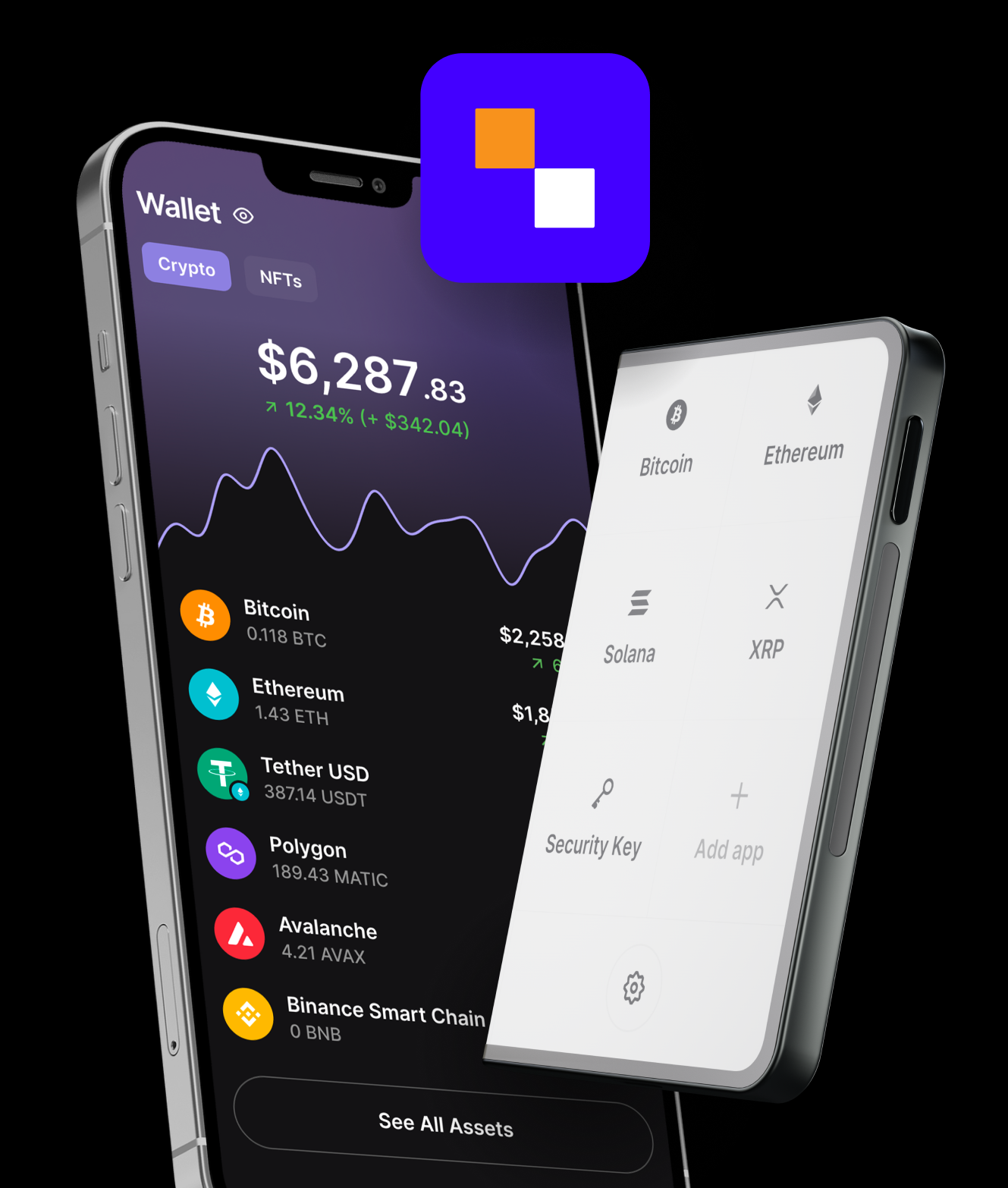
A hardware wallet is a physical device that stores your cryptocurrency private keys offline, making them immune to online hacks, phishing, or malware. Unlike software wallets (hot wallets), hardware wallets keep your keys off the internet, providing the highest level of security for long-term crypto storage.
By 2025–2026, hardware wallets are essential for anyone holding significant amounts of cryptocurrency or interacting with DeFi, NFTs, or multi-chain ecosystems.
Why Use a Hardware Wallet?
- Security: Private keys never leave the device.
- Ownership: You fully control your crypto without relying on exchanges.
- Compatibility: Most hardware wallets support multiple cryptocurrencies and tokens.
- Integration: Connect to DeFi apps, staking platforms, and Web3 services safely.
Step-by-Step Guide to Using a Hardware Wallet
1. Choose the Right Hardware Wallet
Popular options in 2025–2026 include:
- Ledger Nano X / S Plus
- Trezor Model T
- Coldcard
Consider supported cryptocurrencies, user interface, and durability.
2. Purchase From Official Sources
- Always buy directly from the manufacturer to avoid tampered devices.
- Avoid third-party sellers on marketplaces.
3. Initialize Your Wallet
- Connect the device to your computer or smartphone.
- Follow the manufacturer’s instructions to set up a new wallet.
- Generate a seed phrase (usually 12–24 words) — this is the master key to your funds.
4. Secure Your Seed Phrase
- Write it down on paper; never store it digitally or online.
- Store multiple copies in safe, separate locations.
- Some users opt for fireproof or waterproof safes for added security.
5. Set a PIN
- Most devices require a PIN to access the wallet.
- Choose a strong, memorable PIN that adds a layer of physical security.
6. Add Cryptocurrency to Your Wallet
- Find the “Receive” option to get your wallet address.
- Send crypto from an exchange or another wallet to your hardware wallet.
- Confirm transactions using the device’s physical buttons to avoid phishing.
7. Connect to Software for Transactions
- Use the wallet’s companion app or supported software like MetaMask or Ledger Live.
- Approve transactions directly on the hardware device to maintain offline security.
8. Keep Firmware Updated
- Regularly update the wallet firmware to fix vulnerabilities and add new features.
- Only update using official manufacturer software.
Best Practices for Hardware Wallet Security
- Never share your seed phrase or PIN.
- Always verify wallet addresses on the device screen before sending crypto.
- Avoid connecting to public Wi-Fi when managing crypto.
- Keep backups of your seed phrase separate from the device.
- Consider using passphrase-protected wallets for additional security.
Conclusion: Securely Own Your Crypto
Using a hardware wallet in 2025–2026 is the gold standard for crypto security. By setting up the device properly, safely storing your seed phrase, and following best security practices, you can keep your digital assets safe from hacks, phishing, and human error. Hardware wallets empower you to fully control your crypto while participating confidently in DeFi, NFTs, and multi-chain ecosystems.